PDF Converter

Powerful, secure, and versatile. Convert images, Word, Excel, HTML, and more to PDF — or convert PDF back to editable formats.

Download on Google Play
No Registration No Watermark No Limits
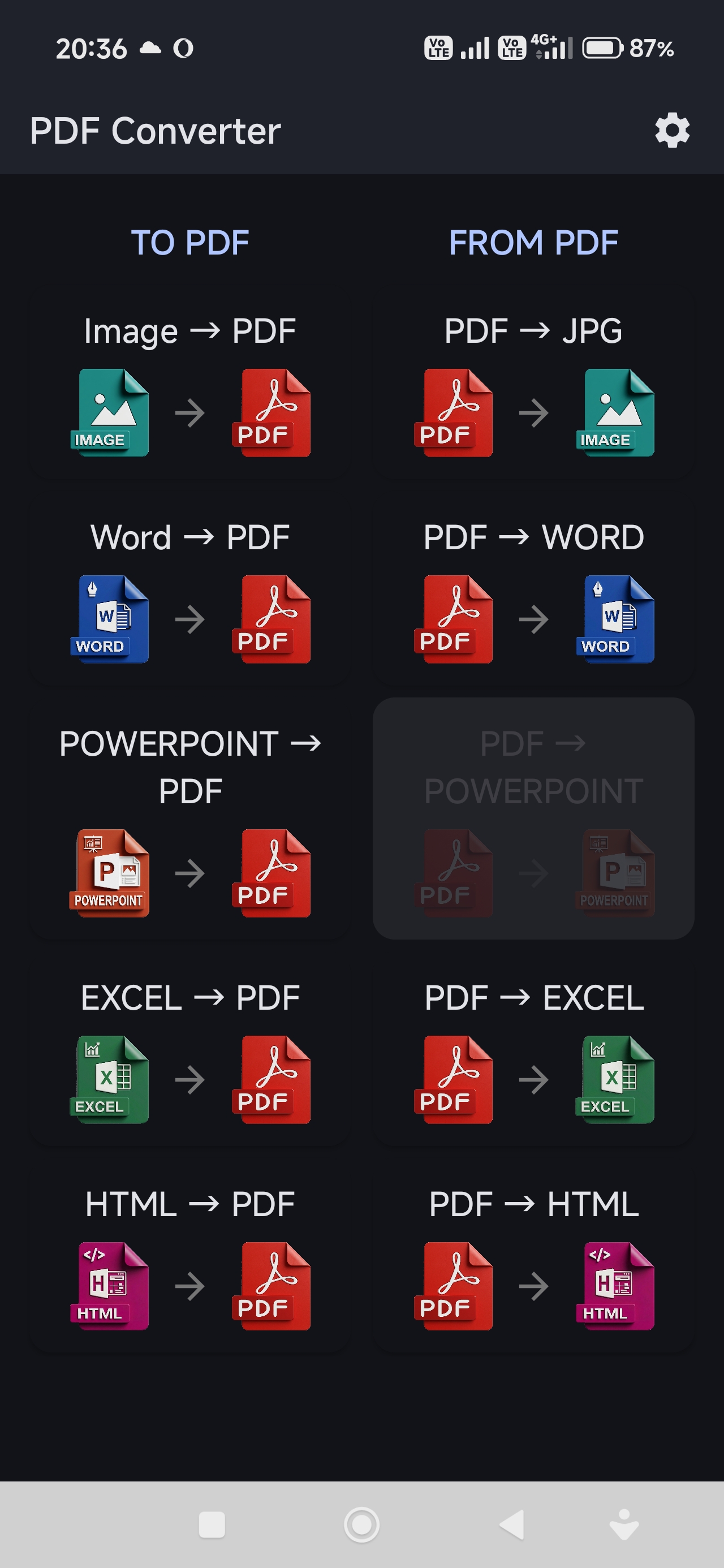
Image → PDF Word → PDF Excel → PDF PowerPoint → PDF HTML → PDF PDF → Images PDF → HTML PDF → Word PDF → Excel

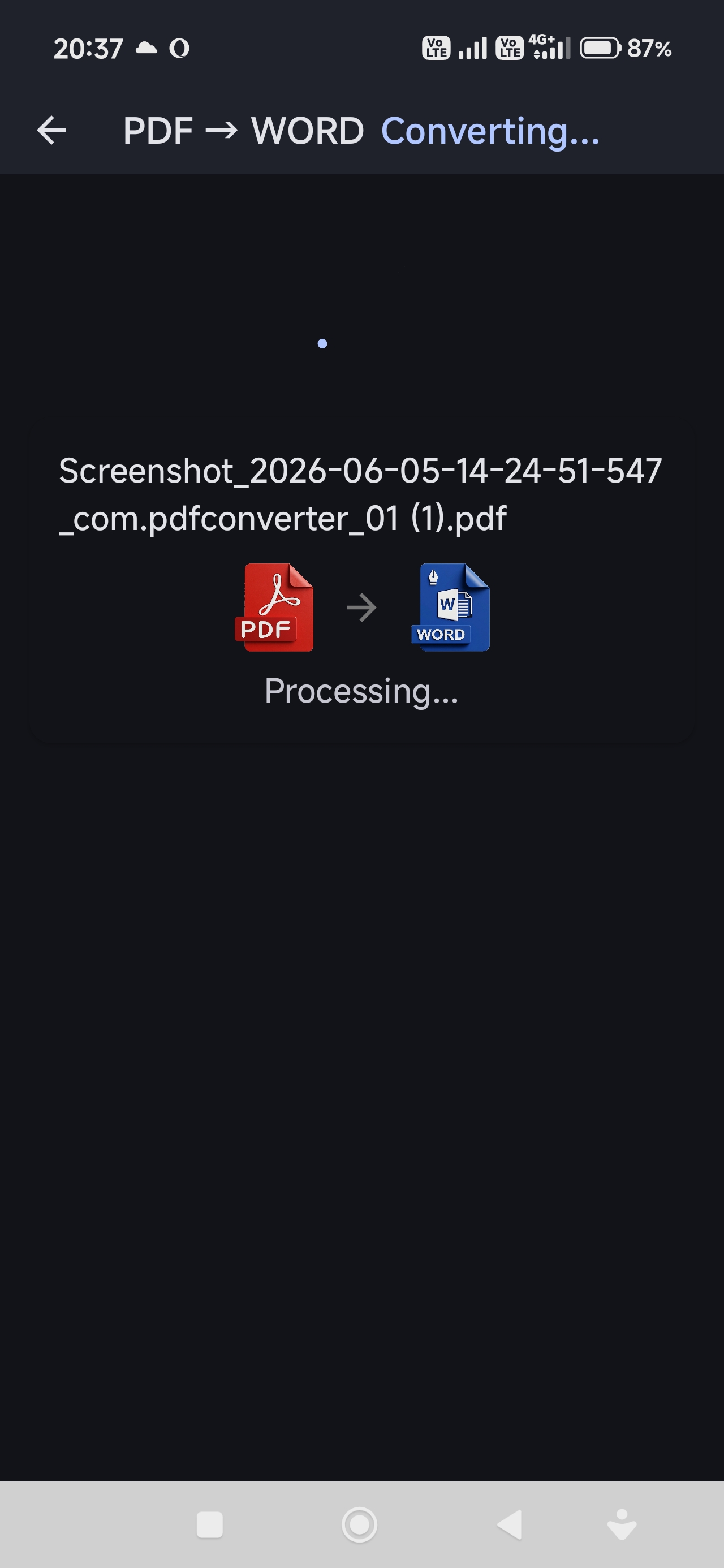
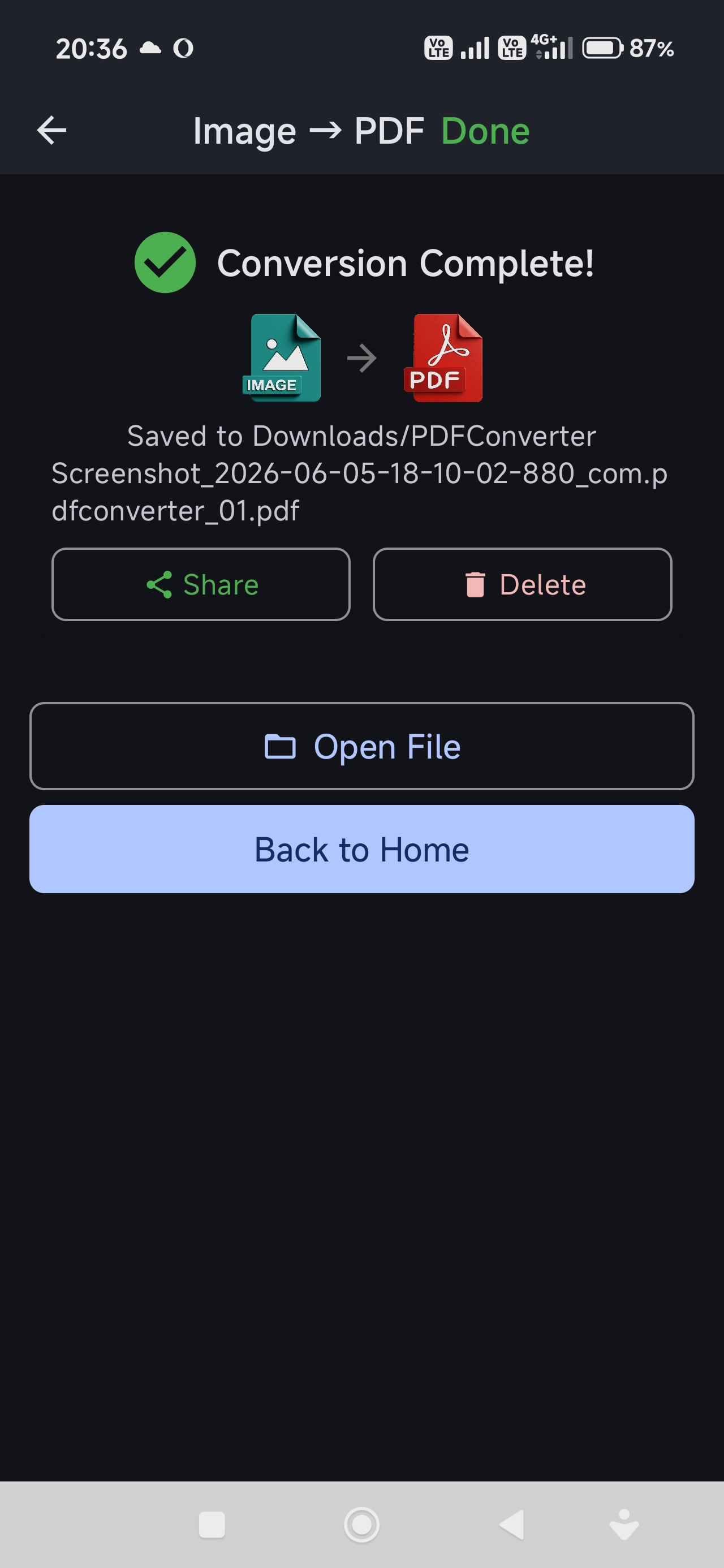
See It in Action

Simple, clean interface designed for productivity

Everything You Need

From quick image-to-PDF to full document conversion

🖼️

Image to PDF

Convert JPG, PNG, WEBP, BMP to PDF. Multiple images become a single PDF document.

📄

Word to PDF

DOC, DOCX, RTF, ODT to PDF. Perfect for sharing formatted documents.

📊

Excel to PDF

XLS, XLSX, CSV, ODS to PDF. Preserve spreadsheet layout and formatting.

🌐

HTML to PDF

Convert any HTML file or web page to PDF. Great for saving articles and receipts.

📸

PDF to JPG

Extract each page as a high-quality JPG image. Perfect for thumbnails and sharing.

📝

PDF to Word

Convert PDF back to editable DOCX. Online conversion for complex layouts.

📈

PDF to Excel

Extract tables from PDF to XLSX. Online conversion with table recognition.

🔒

Private & Safe

Local conversions stay on your device. Online conversions use encrypted HTTPS and files are deleted automatically.

Batch Processing

Convert multiple files at once. Real-time progress with detailed status updates.

Why Choose PDF Converter?

Reliable, private, and powerful document conversion tools for Android.

  • Local conversions stay 100% on your device
  • No registration or account required
  • No hidden data harvesting
  • High-quality output preservation
  • Custom file naming with templates
  • Material You design with dark mode
  • Regular updates with new features

Get Started Now

Join users who trust PDF Converter for their daily document tasks.

Get it on Google Play